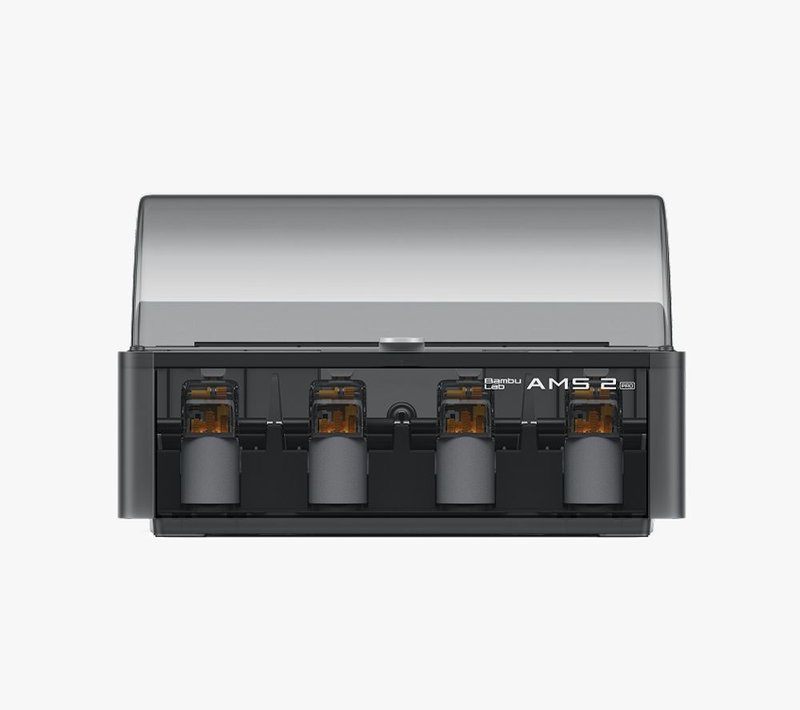
Printer material system
Bambu AMS 2 Pro
Drying within a compatible Bambu material workflow.
- Spools*
- 4
- Max temp
- 65°C
- Zones
- 1
Printer compatibility and required accessories must be checked separately.
Model details →Filament care / Informed choices
Compare 14 3D printer filament dryers by temperature, capacity and drying zones. Make a shortlist that fits the way you print.
Manufacturer-sourced specifications · Practical buying guides
Use the drying temperature specified by your filament maker. Leave it blank to explore. Results screen the published ceiling and documented minimum where available. Other minimum settings remain unverified. Check the exact manual: a match does not confirm temperature accuracy, spool fit or printer compatibility.
Printer material system
Drying within a compatible Bambu material workflow.
Printer compatibility and required accessories must be checked separately.
Model details →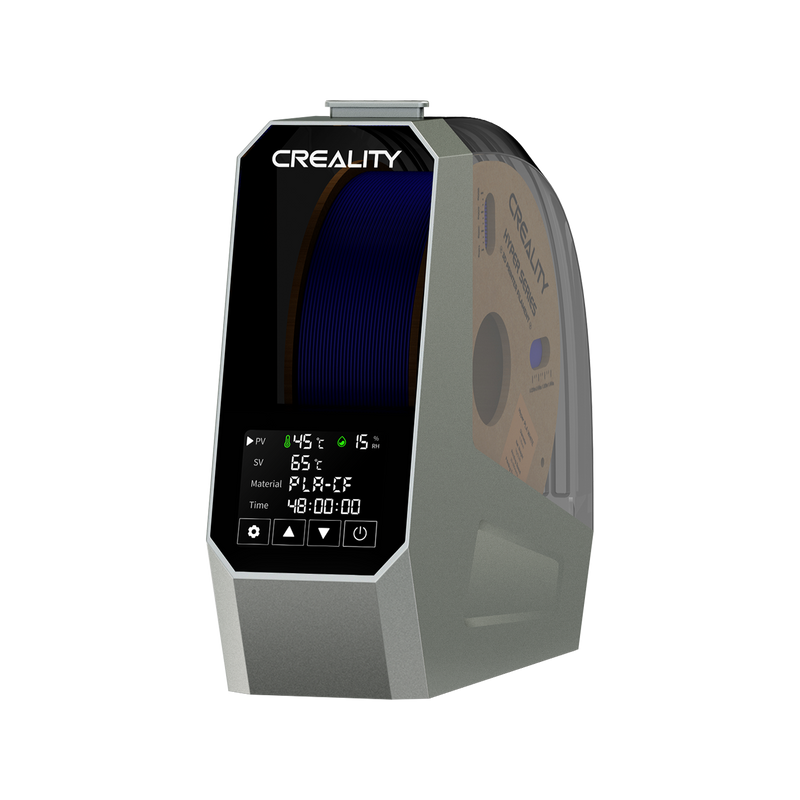
Single spool
A one-spool dryer with a documented 45–70°C setting range.
The original Space Pi is a different size from the two-spool Plus and four-spool X4.
Model details →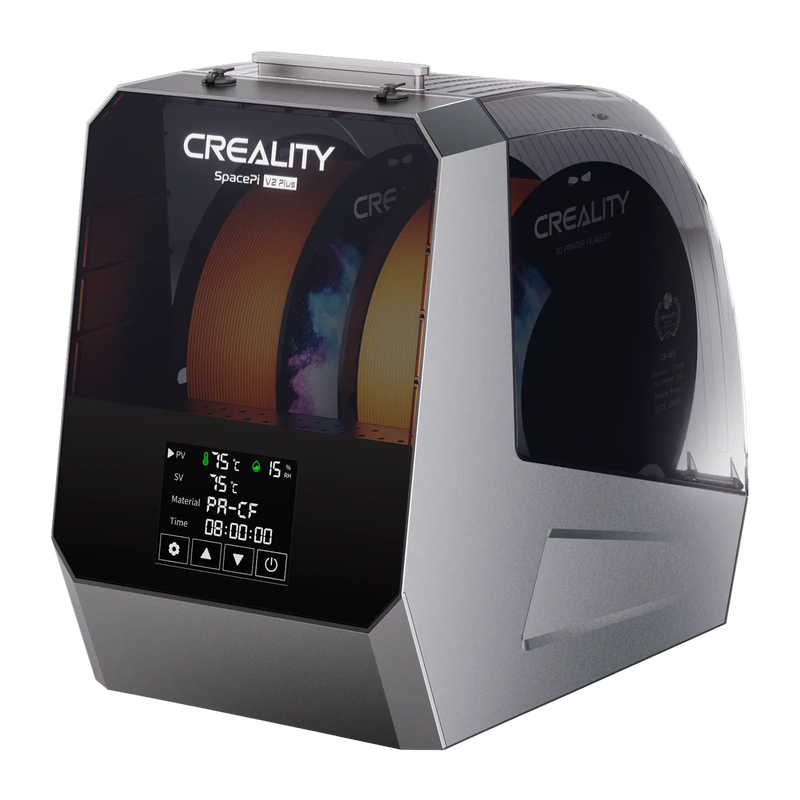
Two-spool chamber
Two-spool capacity for a batch that shares one drying schedule.
V2 Plus has a 75°C published ceiling; the US listing showed sold out on 13 September 2026.
Model details →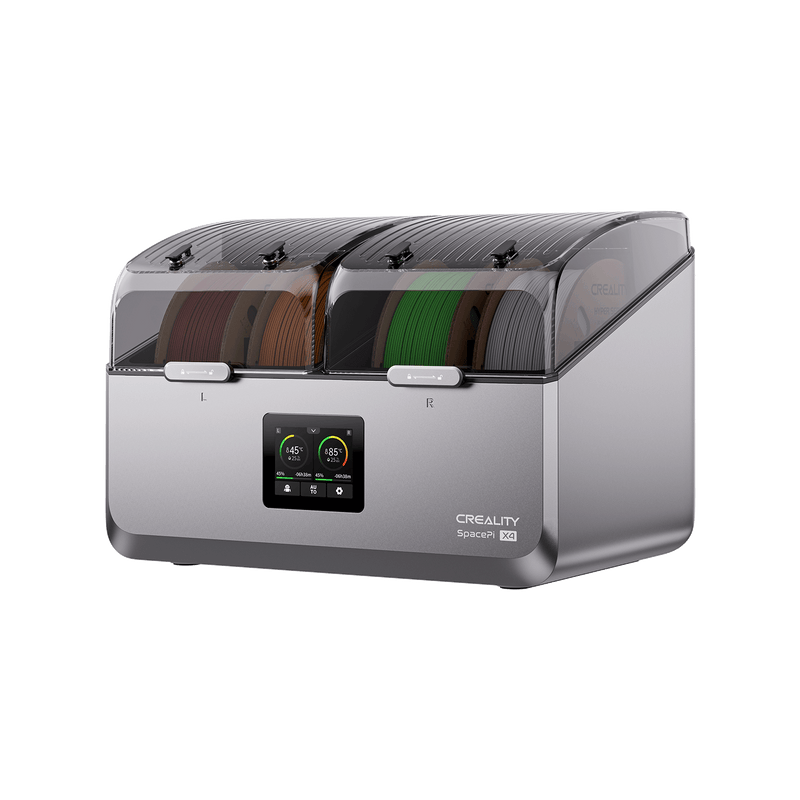
Two controlled zones
Four-spool capacity split across two independently controlled chambers.
The X4 has a published 45–85°C range. Do not substitute specifications for the newer X4L.
Model details →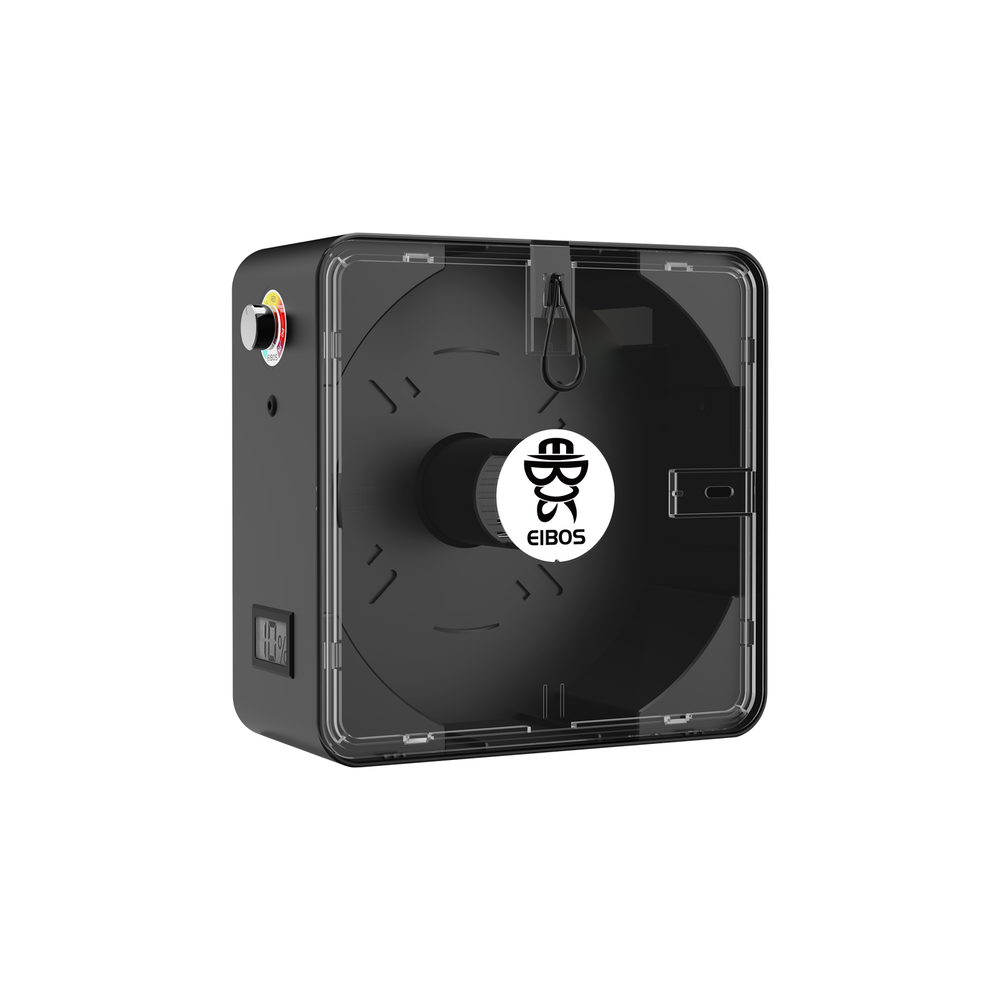
Single spool / dial control
A compact one-spool option with a 40–65°C control dial.
The published reel limit is under 220 mm diameter × 72 mm width; verify hub fit too.
Model details →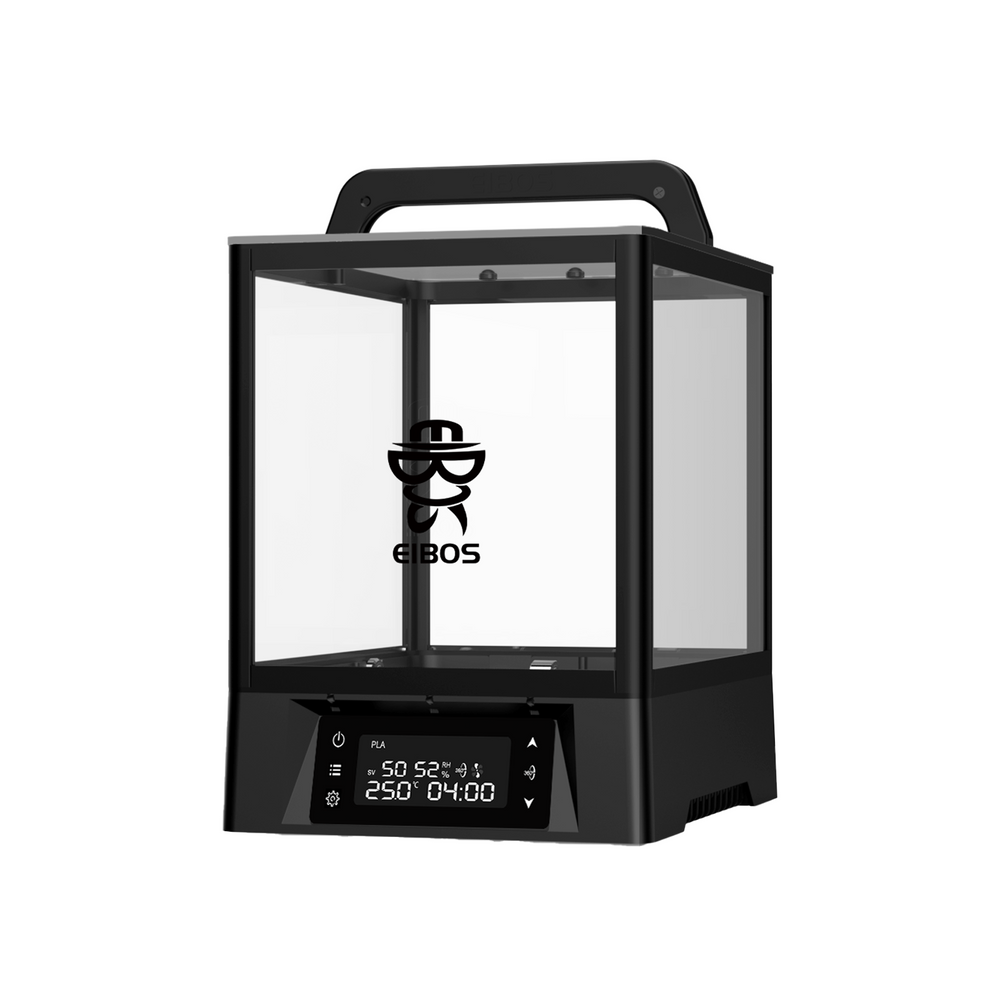
Two spools / motorized rotation
A rotating-spool dryer with a selectable 80°C version and shared chamber.
Both 70°C and 80°C variants are listed. This comparison screens the 80°C option only.
Model details →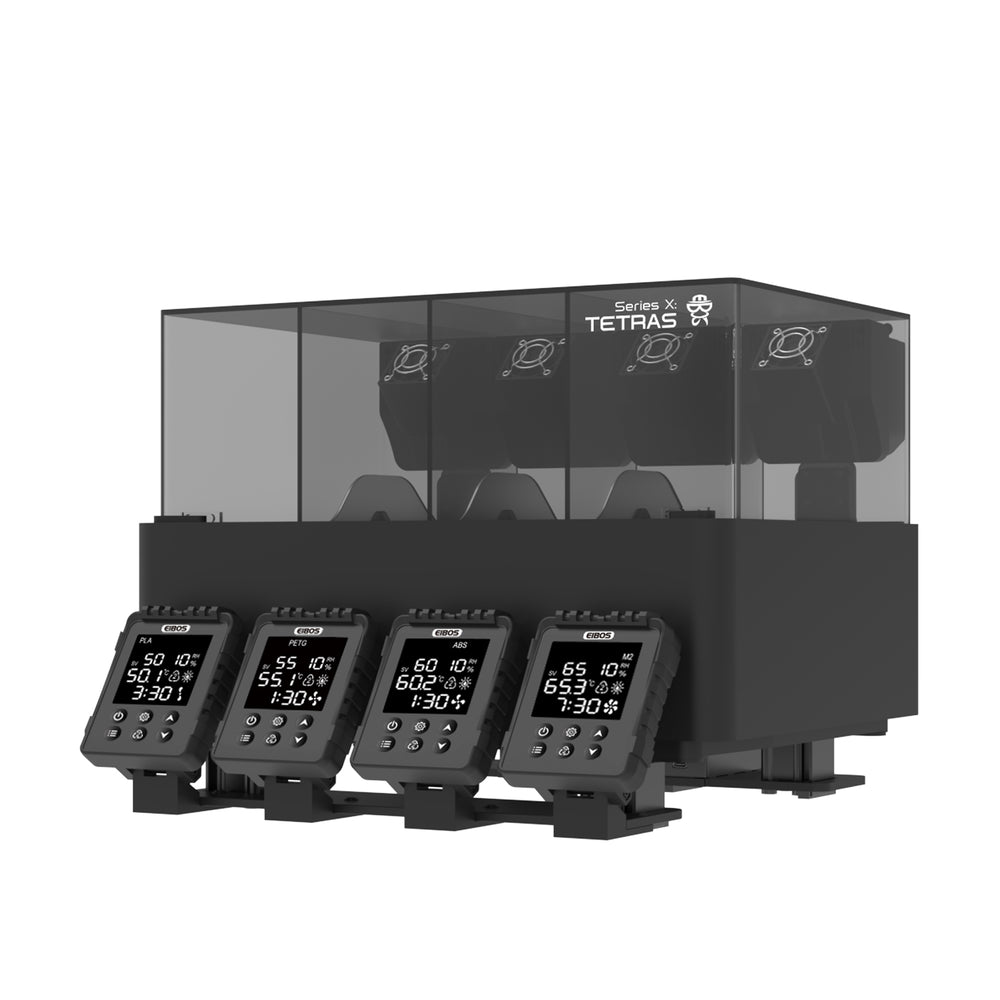
Four-zone AMS add-on
Four separately controlled drying chambers for a compatible Bambu AMS.
An AMS add-on, not a complete standalone dryer. AMS 2 Pro needs the specified printed adapter.
Model details →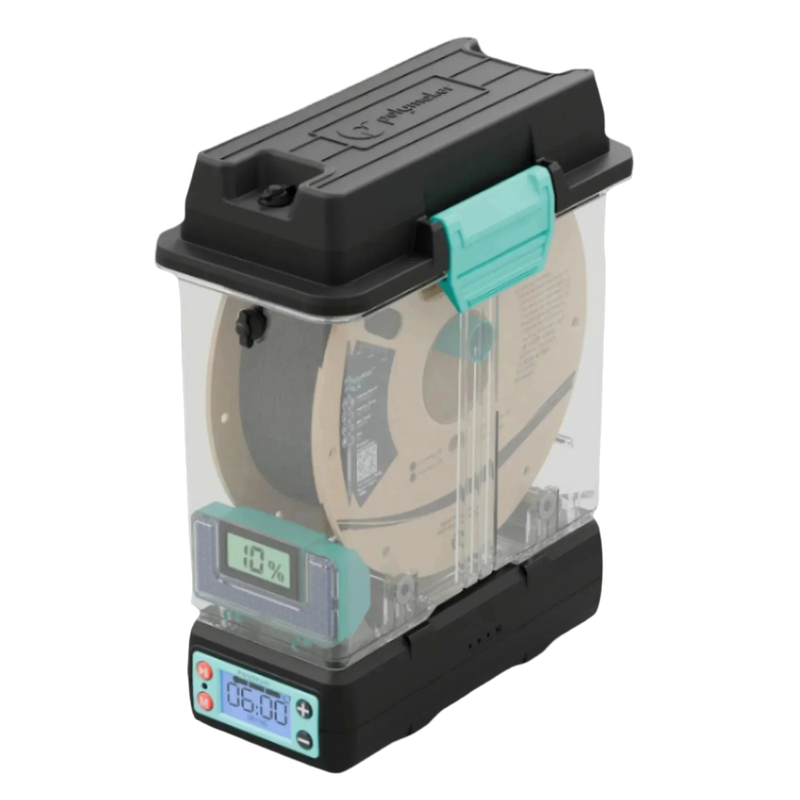
Dock + removable box
A modular drying dock paired with removable storage.
Three power levels; not a freely selectable temperature setpoint.
Model details →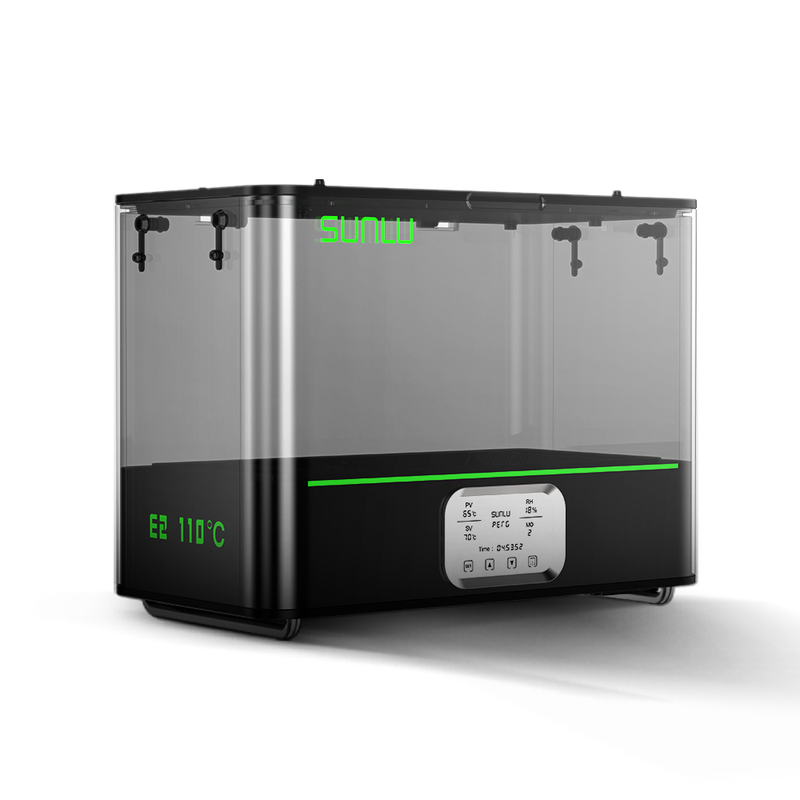
Higher-temperature chamber
A higher published ceiling for demanding material requirements.
Spool temperature limits matter as much as the dryer's ceiling.
Model details →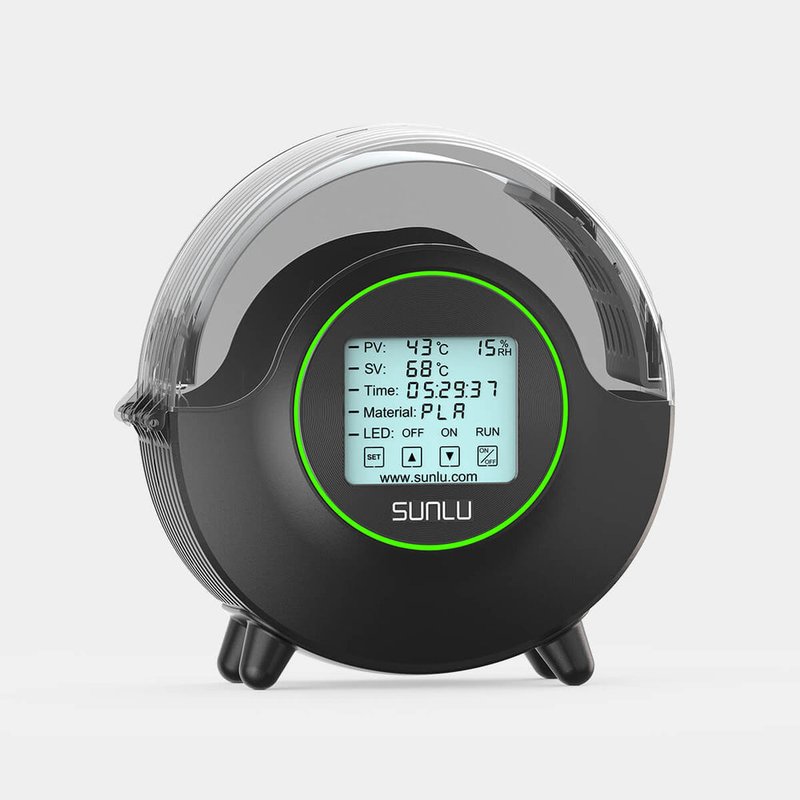
Single spool
A focused option for one spool at a time.
Confirm the exact revision and spool clearance before ordering.
Model details →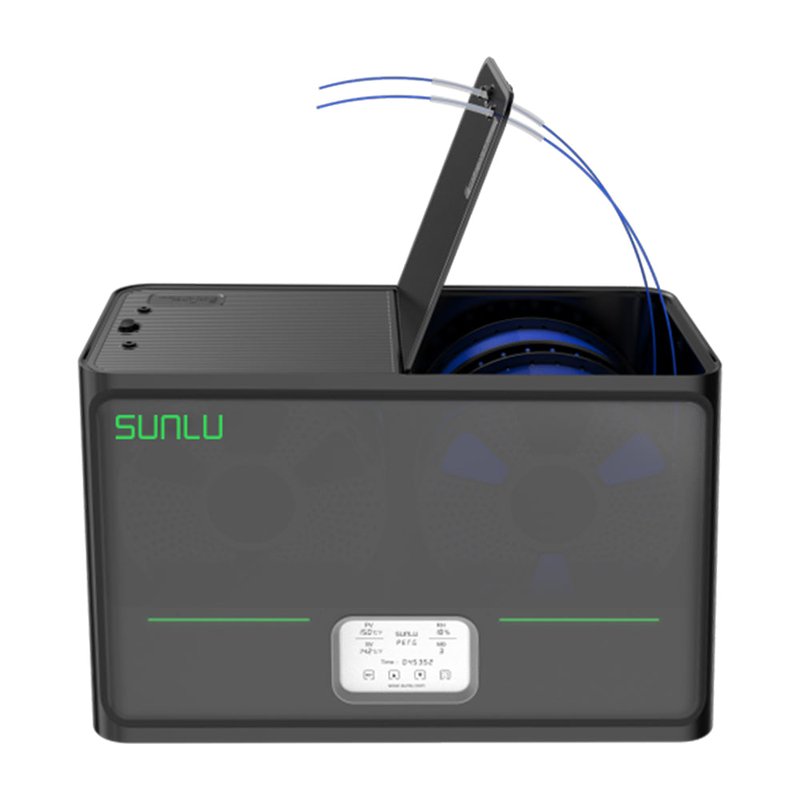
Four-spool chamber
Batch capacity with one shared temperature setting.
Four spools do not mean four independently controlled zones.
Model details →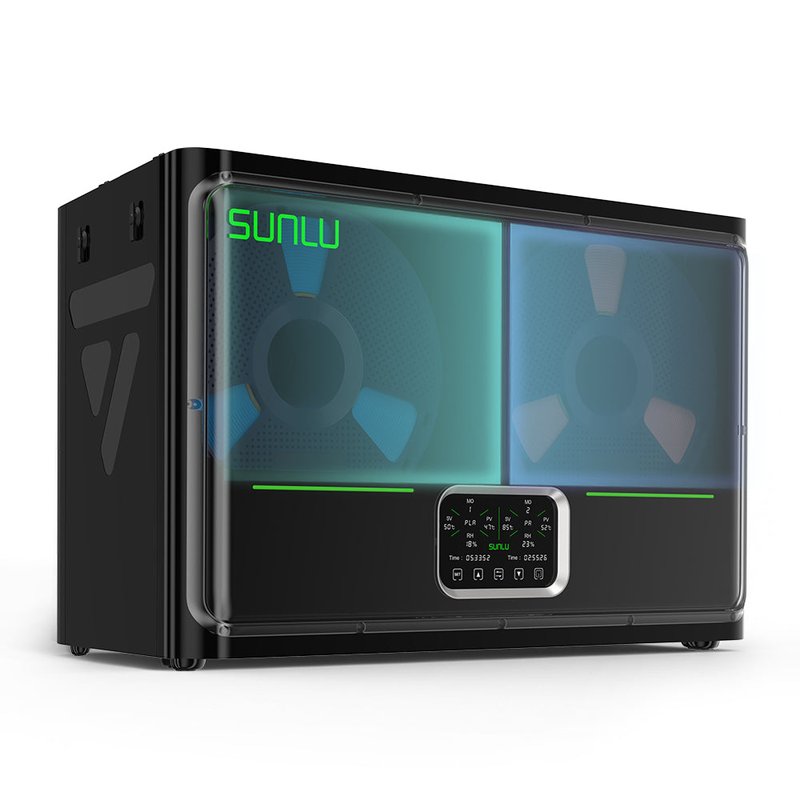
Two controlled zones
Two temperature and time settings across four spools.
Two zones offer more scheduling flexibility than one shared chamber.
Model details →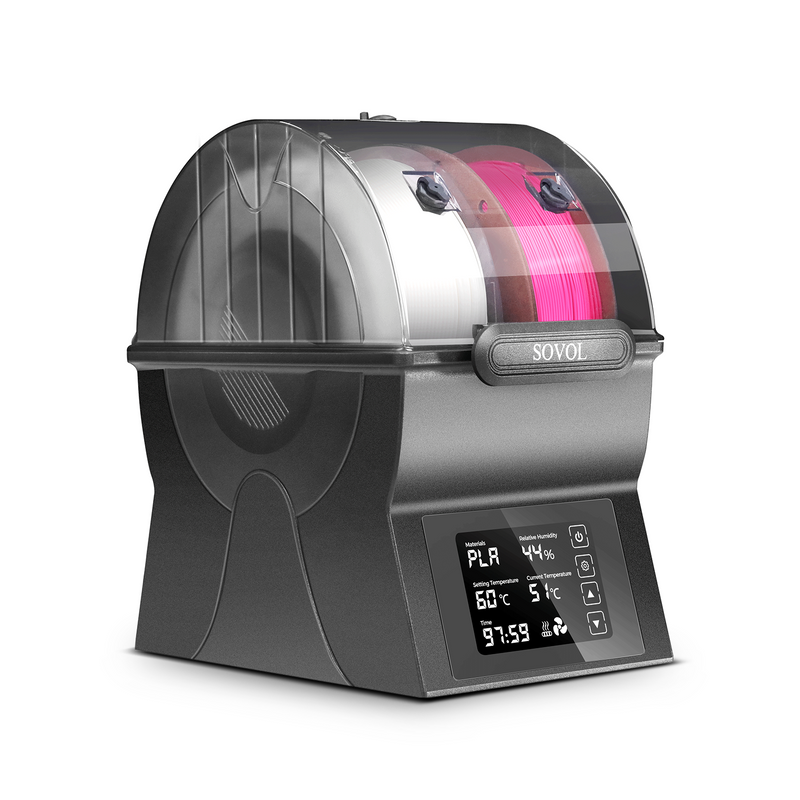
Two-spool chamber
A two-spool shared chamber with a documented 40–70°C setting range.
The SH02 and SH03 have different capacity and control arrangements.
Model details →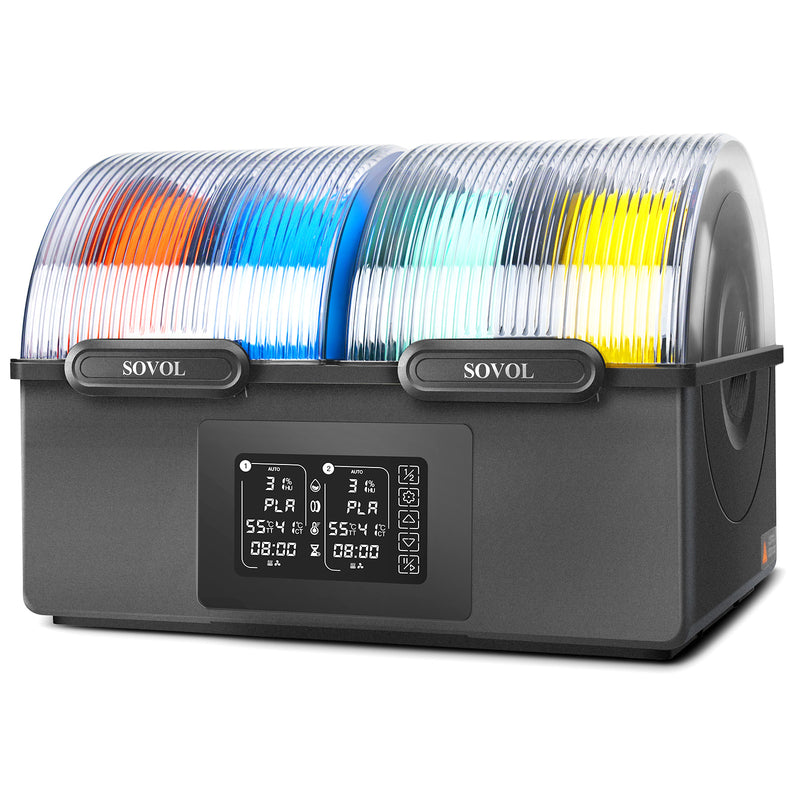
Two controlled zones
Four nominal spools across two independent 45–85°C chambers.
The 0–99°C display range is not its working range; the specification lists 45–85°C.
Model details →*Nominal capacity for standard spools. Reel dimensions and bundle configuration must be checked. Alphabetical model order, not a performance ranking.
Compare SUNLU S4 vs S4 Pro: 70°C versus 85°C, one chamber versus two controlled zones, and when a four-spool upgrade makes sense.
↗02Choose a filament dryer for PLA or PETG using your material instructions, spool size and batch needs. Compare drying, storage and published limits.
↗03Compare Polymaker PolyDryer and SUNLU S2: removable storage boxes, numeric temperature control, bundle contents and questions to check before buying.
↗Beyond the spec sheet
Maximum temperature, spool capacity and independent zones describe different capabilities. Check the manual, then look for measurements of a loaded dryer.
How we compare →Cost per cycle
Use average power, your electricity rate and your drying schedule to estimate the ongoing cost of your setup.
Open the calculator →