1. Identify the model and supplied manual
Check the label and revision on the actual unit. SUNLU S2, S4, S4 Pro and E2 have different capacities and controls; do not follow a button sequence from another model’s video. The S2 profile links the manufacturer’s supplied PDF manual. For every model, use its current manual to check installation, ventilation, power, loading and permitted operating conditions.
2. Read the material and reel instructions
Find the drying temperature and duration specified for the exact filament. Check the reel’s heat tolerance and dimensions separately. A generic PLA, PETG or nylon description is not enough to choose a universal setting. Our material guide includes clearly attributed examples, but they do not replace your own manufacturer’s instructions.
3. Decide which spools can share a cycle
A shared chamber runs a shared process. The standard S4 provides four nominal positions in one chamber; the S4 Pro offers two independently controlled zones. Group spools only when their instructions and physical fit are compatible. Several reels fitting inside the box does not establish that they can be processed together.
4. Configure the cycle using the exact-model controls
Follow the manual’s loading and control sequence. Match the documented temperature and time requirements within the dryer’s supported range; check units and settings before starting. This page intentionally does not prescribe one button sequence or a universal recipe across different models. If the material requires settings outside the unit’s range, choose suitable equipment rather than improvising a substitute process.
5. Interpret the display carefully
A displayed setting is not an independent measurement throughout a loaded spool. SUNLU also documents a humidity-display protection state on the E2 at 80°C and above; a below-10% reading in that state does not prove the filament is dry. Follow the applicable process and the model’s display notes.
6. Record the cycle and plan storage
Use the equipment instructions for completion and handling. Keep a record of the material, load, requested settings and observations, then plan suitable storage between prints. When comparing results, keep other print variables consistent. SpoolSignal’s printable log and electricity calculator can help document a cycle; neither certifies its effectiveness.
Models to compare
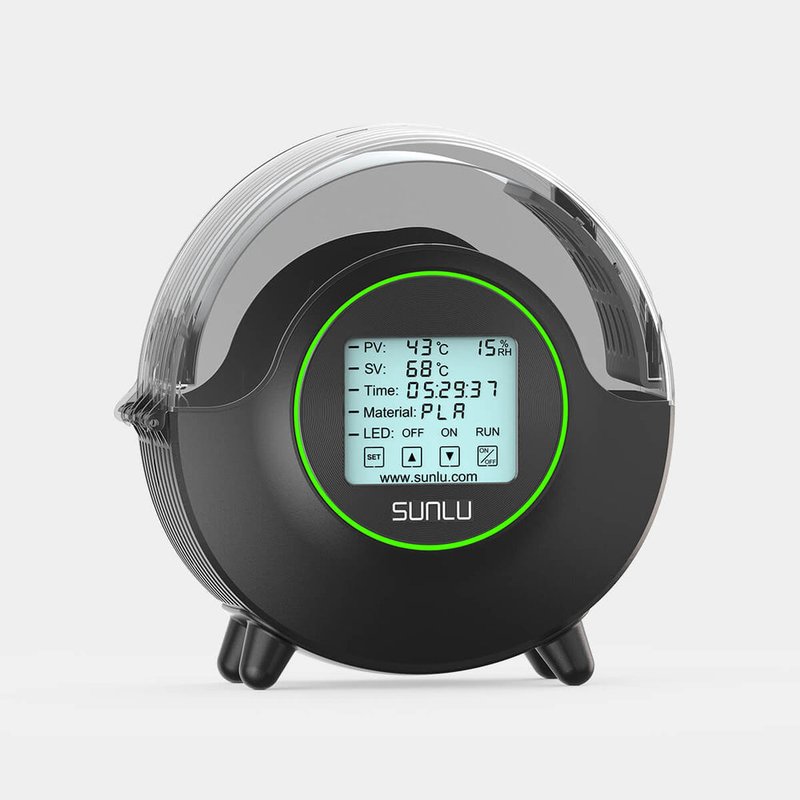
Single spool
SUNLU S2
A focused option for one spool at a time.
- Spools*
- 1
- Max temp
- 70°C
- Zones
- 1
Confirm the exact revision and spool clearance before ordering.
Model details →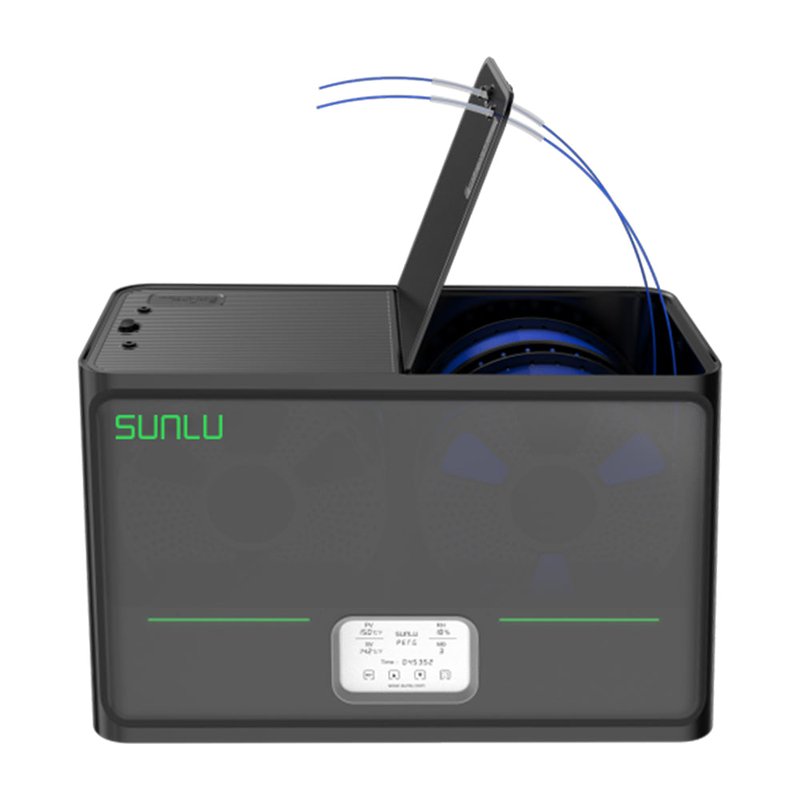
Four-spool chamber
SUNLU S4
Batch capacity with one shared temperature setting.
- Spools*
- 4
- Max temp
- 70°C
- Zones
- 1
Four spools do not mean four independently controlled zones.
Model details →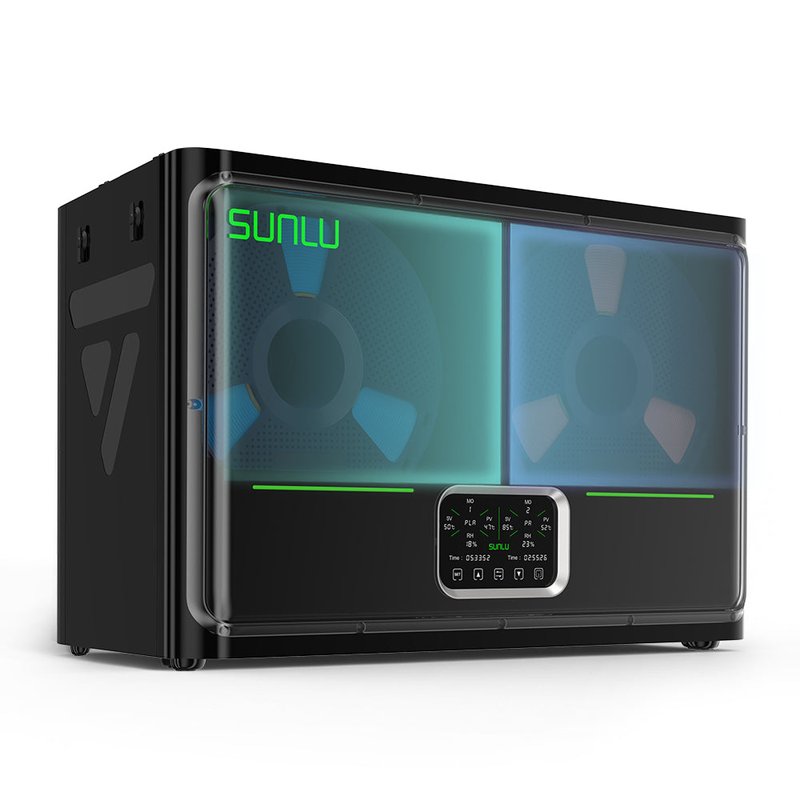
Two controlled zones
SUNLU S4 Pro
Two temperature and time settings across four spools.
- Spools*
- 4
- Max temp
- 85°C
- Zones
- 2
Two zones offer more scheduling flexibility than one shared chamber.
Model details →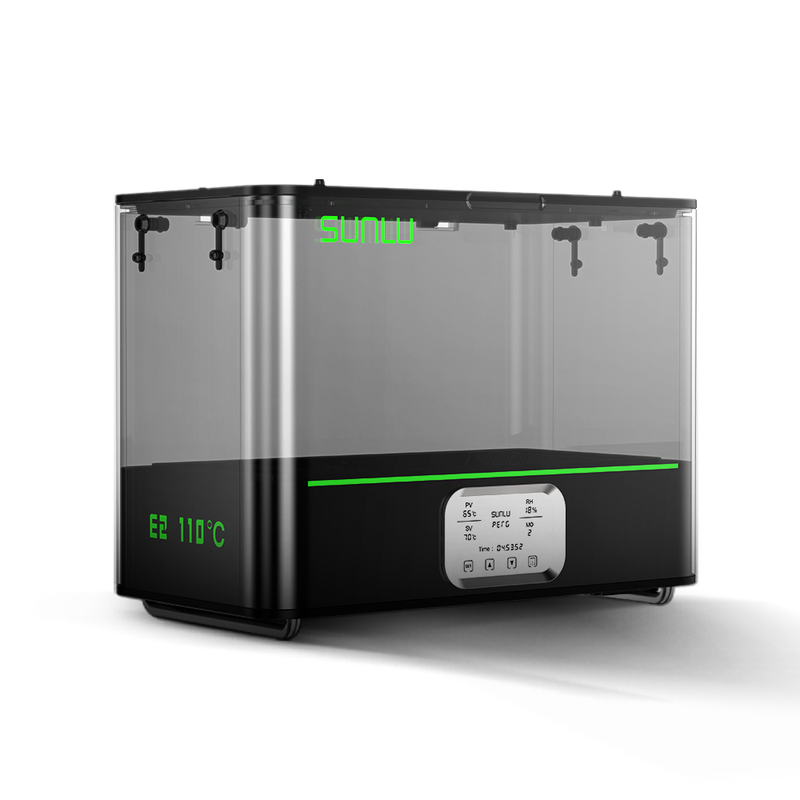
Higher-temperature chamber
SUNLU E2
A higher published ceiling for demanding material requirements.
- Spools*
- 2
- Max temp
- 110°C
- Zones
- 1
Spool temperature limits matter as much as the dryer's ceiling.
Model details →Sources for this comparison
- SUNLU S2 and supplied manual
- SUNLU S4 specifications
- SUNLU S4 Pro specifications
- SUNLU E2 range and display notes
- Prusa: exact-material drying guidance
Specifications checked 13 September 2026. Editorial buying analysis; no hands-on test is claimed.